1. Show what the fence could look like
Start with a photo of the yard you have permission to use. The fence visualizer edits it into a concept so the customer can react to a style, colour and height. The concept is labeled as a concept. It is made by an external AI provider, it can change other details in the scene, and it is never used as a measurement.
2. Measure and enter the layout
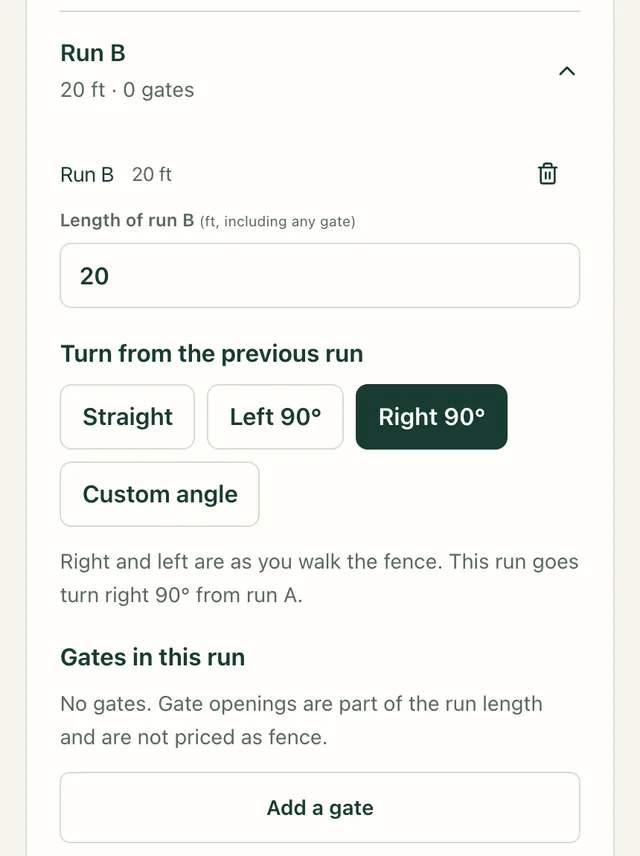
You measure on site. Each run is entered in feet with a start and an end, and each gate with its offset and width. Runs that meet share a corner post. Fencekind rejects non-finite or invalid dimensions and any gate wider than its run. Those are arithmetic checks; whether the layout can be built on the site is still your call.
3. Price it with your own rates
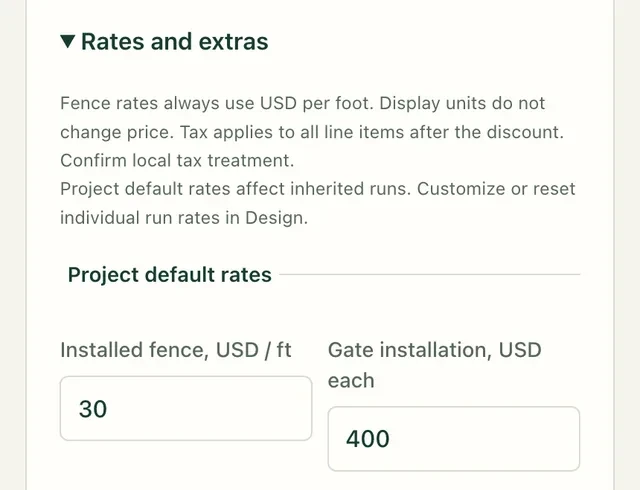
Fence footage is the run length minus the gates. You set a per-foot rate, a per-gate rate, any extras and the tax rate. The estimating tool shows each step so you can check it before a customer sees it. Money is held in whole cents and panels round up for each independently supported span.
4. Share it and keep a record
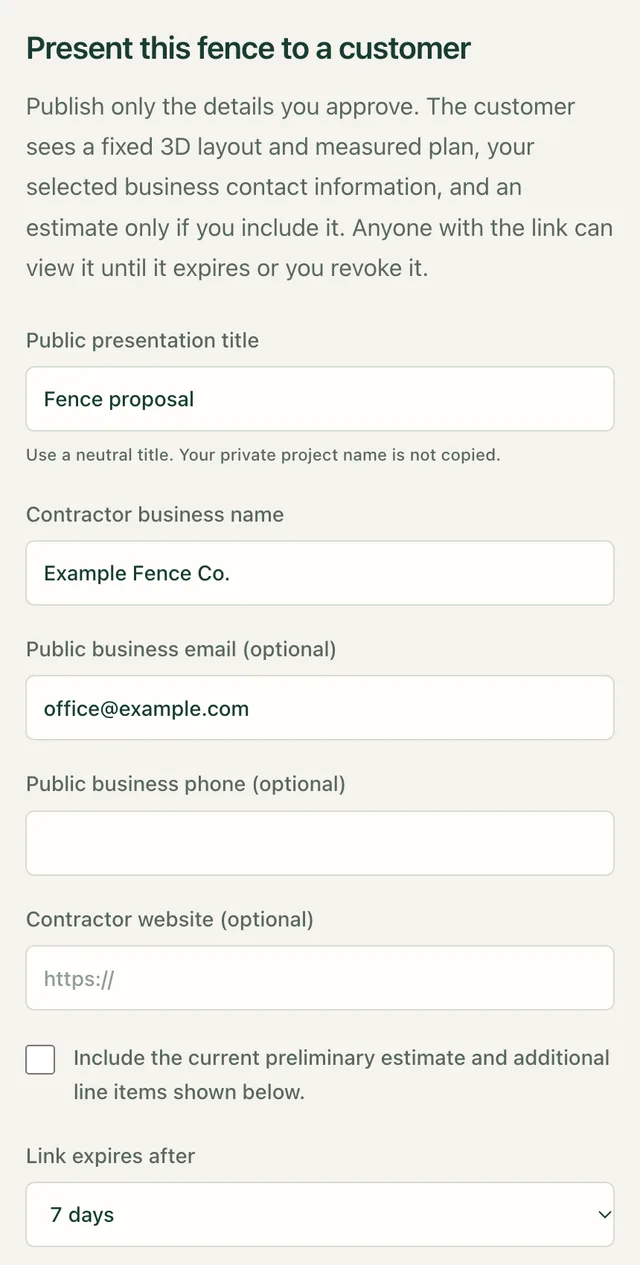
Print or save a PDF, download the materials list as a CSV, export the layout, or publish a customer presentation link with an interactive model and a measured plan. You choose the public title, the contact details and the expiry, and you can revoke the link later. Private notes stay out of it.
Inside the studio
Who it is for
Fencekind is a business service for fencing companies and their authorized owners and staff, not a consumer subscription. A company plan includes two company users: the owner and one teammate, who can be given an editor or a viewer role. Additional seats are not available yet. Estimates and layouts save to your account and export as files, so your records are yours to keep even if you cancel.
If you only want to check a number, the free calculator and the sample layout work without an account. If you want to show a customer what a fence could look like before you quote it, start with the visualizer. If you already have measurements and need a clear price, start with the estimating tool.
One layout, worked out
The corner layout used across the product is a 30-foot run joined to a 20-foot run with a 4-foot gate. With sample rates of $30 per foot and $400 per gate, it comes to the figures below. They are sample rates for illustration, not a price list.
| Run lengths, including the gate | 50 ft |
|---|---|
| Fence footage after the gate | 46 ft |
| Panels · posts | 7 · 9 |
| Sample estimate before tax | $1,780.00 |
What Fencekind is not
- Not a survey. Confirm boundaries, utilities, permits and every price before relying on an estimate.
- Not a live AR tool on the web.
- Not a source of prices. Every rate in an estimate is one you entered.
Plans
The public examples and the browser calculator are free. Editing your own projects and the company tools need company access.
Then $199 USD/month plus applicable tax for two company users unless canceled before renewal. Cancel in billing management. Your saved data stays exportable after you cancel. Additional seats are not available yet.
Public examples are free. Editing your own project and company tools require company access. Business terms.
Read the field guides for the studio steps, or the business terms for the plan details.